Wiz Kid's Spellbook
Laptop trackpad lifting or case bulging? It could be a swollen battery

Matt Davis
Owner, Wiz Kid Tech Repair
SafetySep 5, 202610 min read
Mon–Fri 8:00 AM – 5:30 PM · Sat-Sun Closed
Muncie, Indiana(765) 372-4190
Matt Davis
Owner, Wiz Kid Tech Repair
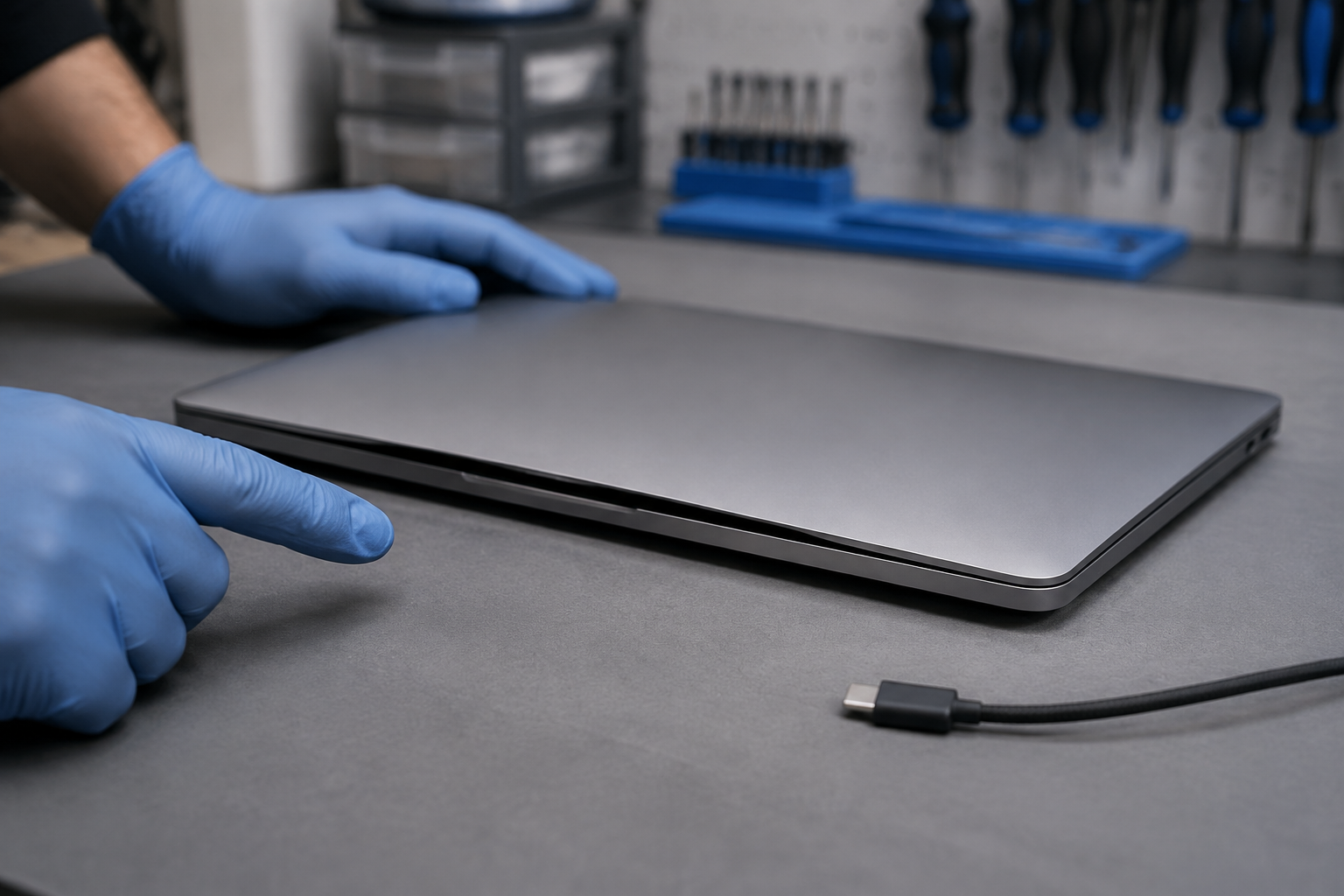
A trackpad that suddenly feels stiff, sits higher on one side, or no longer clicks may not be a software problem. Neither is a bottom cover that has started to separate or a laptop that rocks on a flat desk. These physical changes can happen when the battery inside expands and pushes on the parts around it. Do not try to press the laptop back into shape. Stop using and charging it until you know what is happening. That does not mean every uneven trackpad is a battery failure — a drop, a bent case, a loose clip, or debris can produce similar symptoms. But a new bulge or widening seam deserves a safety-first response, because you cannot confirm the condition of an internal battery from the outside.
Look for a change from the laptop's normal shape or feel:
Dell lists case separation, a raised or poorly clicking trackpad or keyboard, wobbling, and display misalignment among the signs of battery swelling. HP notes that an expanding battery can deform the chassis and affect the touchpad, keyboard, and display panel. Both makers tell people to stop using the computer and disconnect external power when swelling is present.
A laptop may still turn on and hold a charge while its case is changing shape, and a battery-health screen cannot rule out physical damage. Treat the physical symptom as the more urgent clue.
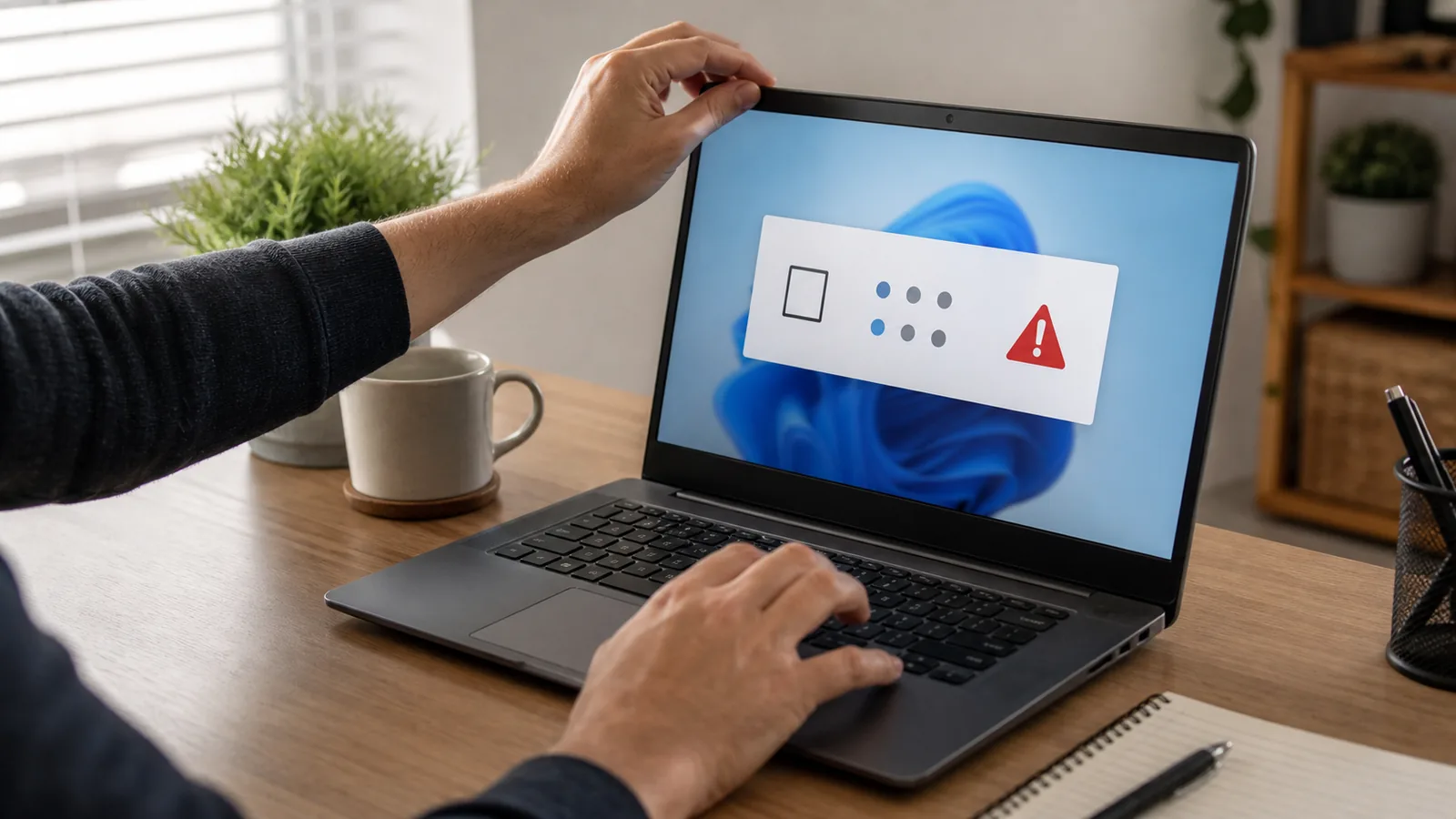
Shut it down if you can do that normally without pressing on the raised area, then disconnect the charger, dock, and other powered accessories.
Do not switch to plugged-in-only use. External power can still charge or place demand on the installed battery depending on the laptop's design. Manufacturer guidance for visible swelling is to discontinue use — not to keep working from the wall outlet.
Do not press, clamp, tape, squeeze, bend, puncture, or pry the raised area, and do not tighten case screws to pull the halves together. The expanding pack is occupying more space than the enclosure was designed to hold; forcing the case closed puts pressure back on the battery and the parts around it.
Dell's handling guidance specifically warns against applying pressure, puncturing, bending, crushing, or using tools to pry a swollen battery free.
If the laptop is cool, quiet, dry, and stable, leave it powered off on a hard, dry, noncombustible surface away from paper, bedding, curtains, direct sun, heaters, children, and pets. Avoid unnecessary movement. Do not put it in a sealed container, refrigerator, freezer, oven, or microwave.
If it is already hot, hissing, popping, leaking, smoking, giving off vapor, or producing a sharp odor, do not handle or transport it. Get people away, leave the area, and call 911 from a safe location. The U.S. Fire Administration lists changes in shape, excess heat, odor, leakage, and odd noises as reasons to stop using a lithium-ion battery, and advises evacuating and calling 911 if one catches fire.
Describe the condition plainly: “The laptop case is separating and the trackpad is lifting; I suspect a swollen internal lithium-ion battery.” Then ask:
For most people, a visibly swollen internal battery is a poor first do-it-yourself repair. Modern packs may be glued to the case, surrounded by delicate cables, or trapped by the deformation itself. A tool slipping against a battery under pressure can puncture or bend it, and some laptops need model-specific steps to cut power safely before disassembly.
Apple states that built-in Mac laptop batteries should be replaced through an Apple Store, an Apple Authorized Service Provider, or an Independent Repair Provider using genuine parts. Other manufacturers publish different procedures, so follow the instructions for the exact computer — not a generic video.
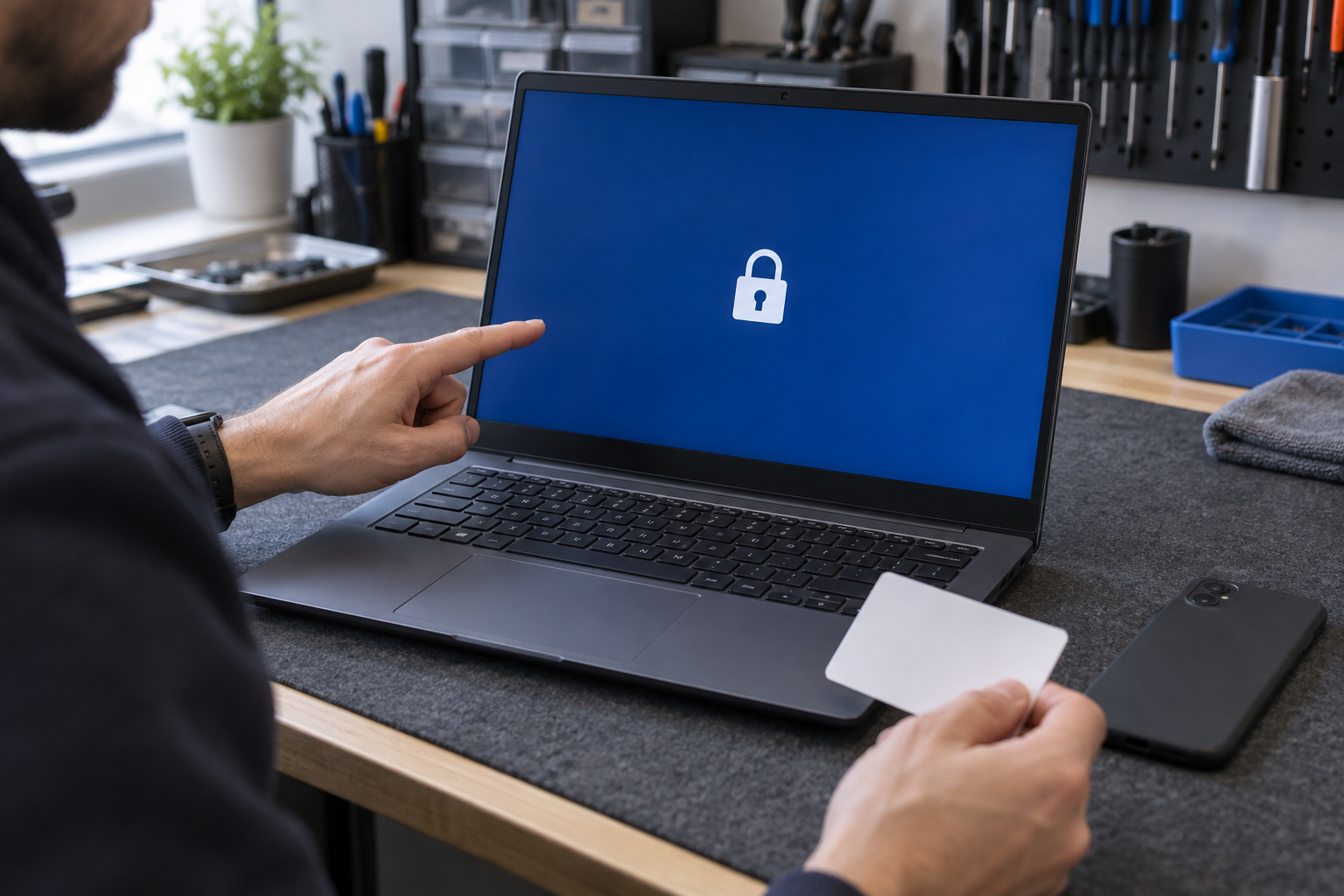
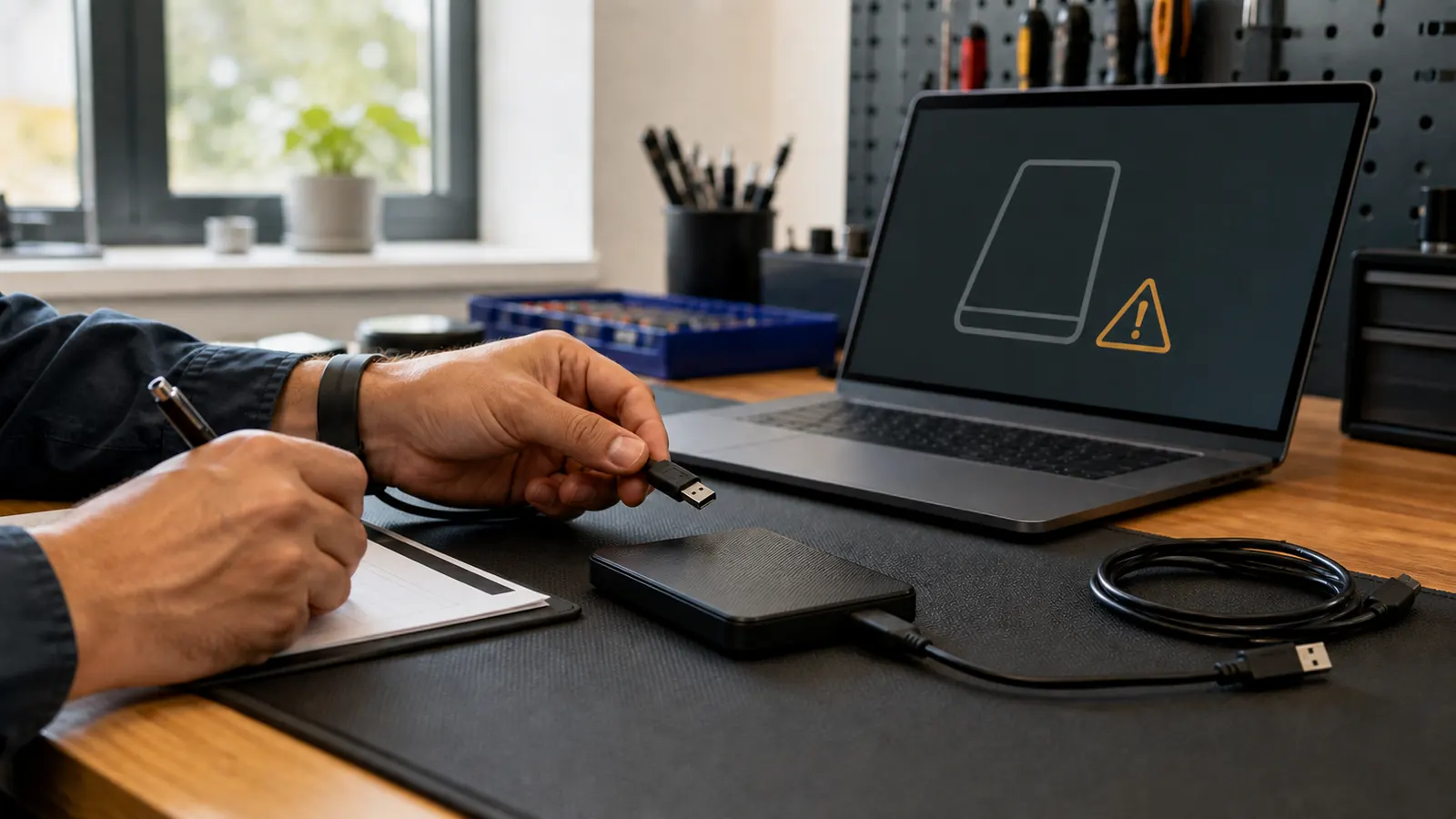
Safety comes before a fresh backup. Do not recharge or keep running a deformed laptop just long enough to copy files. Instead, check from another device whether your important folders already synced to a cloud account, and gather the laptop login, encryption recovery key, and cloud credentials — without emailing passwords or taping them to the computer.
Tell the repair shop which files matter and whether the storage is encrypted, and ask whether the drive can be removed or imaged once the battery has been made safe. Many Windows systems use BitLocker or device encryption and Macs commonly use FileVault, so a recovery key may be needed. On some thin laptops the storage is soldered to the board, which means battery service and data access have to be planned together.
If the device is smoking, venting, or rapidly heating, do not approach it to retrieve files. No document or photo is worth entering an active battery emergency.
Call ahead first — a shop may have a specific drop-off procedure, and not every retail battery box accepts damaged batteries. When the manufacturer or repair provider confirms local transport is appropriate:
Do not mail or ship a swollen battery — or a device containing one — in ordinary packaging. Damaged or defective lithium batteries have special transportation requirements, and U.S. Department of Transportation guidance forbids them from air transport.
For disposal, contact the manufacturer, a qualified repair provider, or your local household hazardous-waste program, and call first: damaged batteries are often refused at normal retail battery bins. Never put one in household trash or curbside recycling.
“A lifting trackpad or separating case is a stop sign, not a cosmetic annoyance. Power it off, unplug it, leave it flat and cool, and let someone look at it before you press anything back into place.”
— The bottom line
New Spellbook articles, scam warnings, and plain-language tech advice from the repair bench — sent occasionally, never in a rush.
No spam. Unsubscribe anytime.