Wiz Kid's Spellbook
The SSD upgrade that saves a 'dead' laptop
Matt Davis
Owner, Wiz Kid Tech Repair
UpgradesAug 3, 20265 min read
Mon–Fri 8:00 AM – 5:30 PM · Sat-Sun Closed
Muncie, Indiana(765) 372-4190
Matt Davis
Owner, Wiz Kid Tech Repair
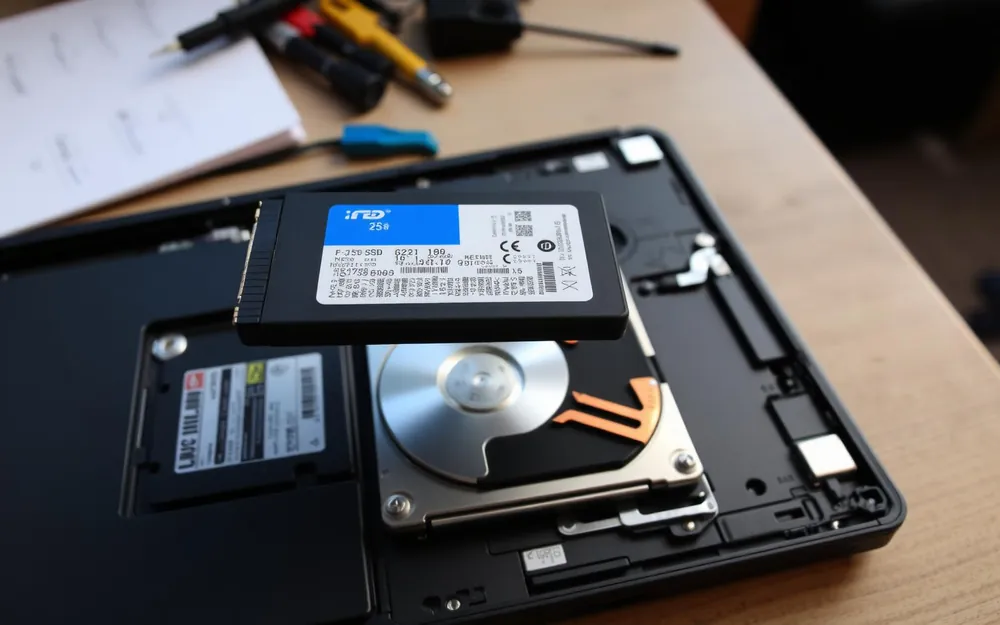
A large share of the 'my computer is dying' machines that come across our bench are not dying at all. They are just waiting on a twelve-year-old spinning hard drive.
A mechanical hard drive has to physically move a read head to find your data. Modern Windows expects storage that answers instantly. When it does not, everything queues up — boot, login, opening a browser, saving a document.
The result feels exactly like a computer that is worn out, which is why so many still-good laptops get replaced.
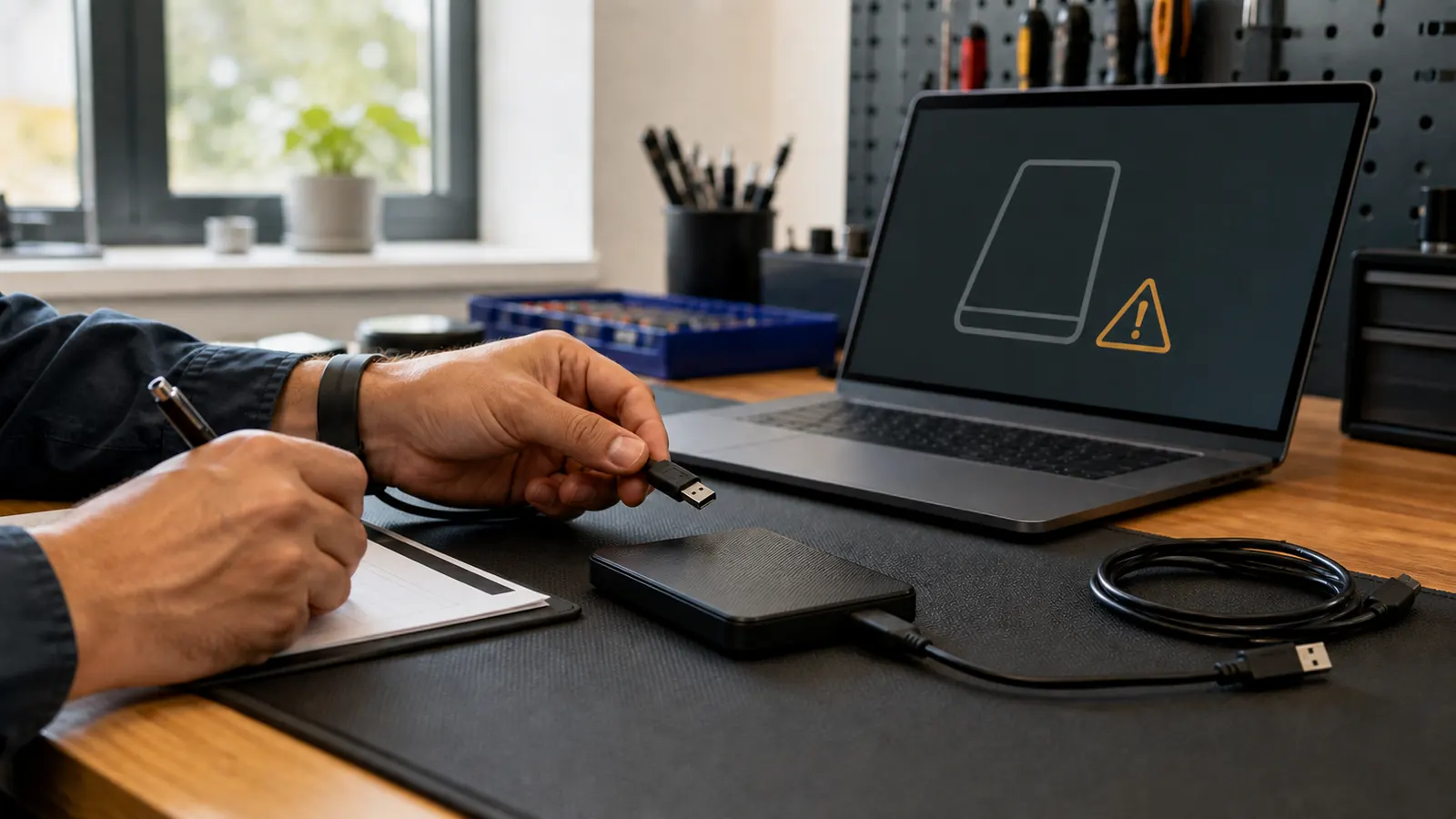
We clone your existing drive to a new SSD so your files, programs, and settings come over exactly as they were. Nothing to reinstall and nothing to set up again.
If the machine is short on memory, has a failing battery, or runs an operating system that no longer receives updates, an SSD alone will not fix it. We check those first and tell you before you spend anything.
“Before you replace a slow laptop, let us check the drive. It is a free diagnostic and it is often the whole problem.”
— The bottom line
New Spellbook articles, scam warnings, and plain-language tech advice from the repair bench — sent occasionally, never in a rush.
No spam. Unsubscribe anytime.