Wiz Kid's Spellbook
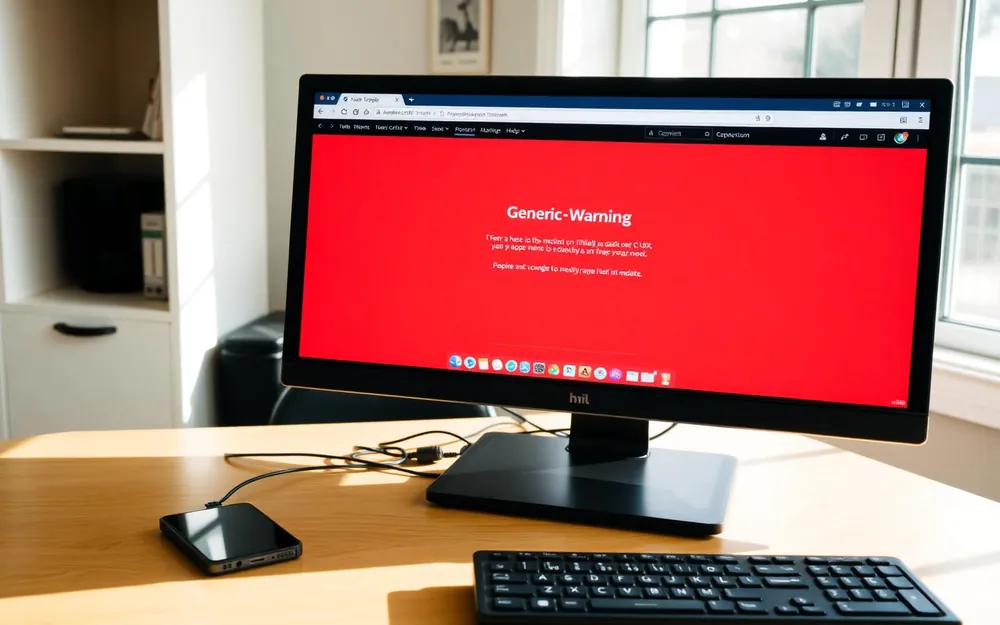
What a real Microsoft warning looks like

Matt Davis
Owner, Wiz Kid Tech Repair
ScamsJul 27, 20266 min read
Mon–Fri 8:00 AM – 5:30 PM · Sat-Sun Closed
Muncie, Indiana(765) 372-4190
Matt Davis
Owner, Wiz Kid Tech Repair
Scare-screen scams are the most common thing we clean up. They are convincing on purpose, but they all break the same few rules.
Learn these three and you can spot almost every version of this scam.
The page is usually just a website, not an infection. Do not click anything inside it — including the X or a 'close' button, which are often fake.
Press Ctrl + Alt + Delete, open Task Manager, select your browser, and choose End task. Reopen the browser and decline any offer to restore the previous session.
Disconnect from the internet, then bring the computer in. Anyone who had remote access may have installed tools that stay behind. If you gave payment or banking details, call your bank right away.
There is no judgment here. These scams fool careful people every day, and we clean them up constantly.
“Not sure whether a warning is real? Call us before you call the number on the screen. Checking is free.”
— The bottom line
New Spellbook articles, scam warnings, and plain-language tech advice from the repair bench — sent occasionally, never in a rush.
No spam. Unsubscribe anytime.