Wiz Kid's Spellbook
Your backup plan in fifteen minutes

Matt Davis
Owner, Wiz Kid Tech Repair
DataJul 20, 20264 min read
Mon–Fri 8:00 AM – 5:30 PM · Sat-Sun Closed
Muncie, Indiana(765) 372-4190
Matt Davis
Owner, Wiz Kid Tech Repair
The best backup plan is the one that actually exists. Here is a setup you can finish in one sitting that covers the failures we see most.
Cloud sync — OneDrive, Google Drive, or iCloud — handles the documents and photos you touch regularly. It runs automatically, which is the whole point.
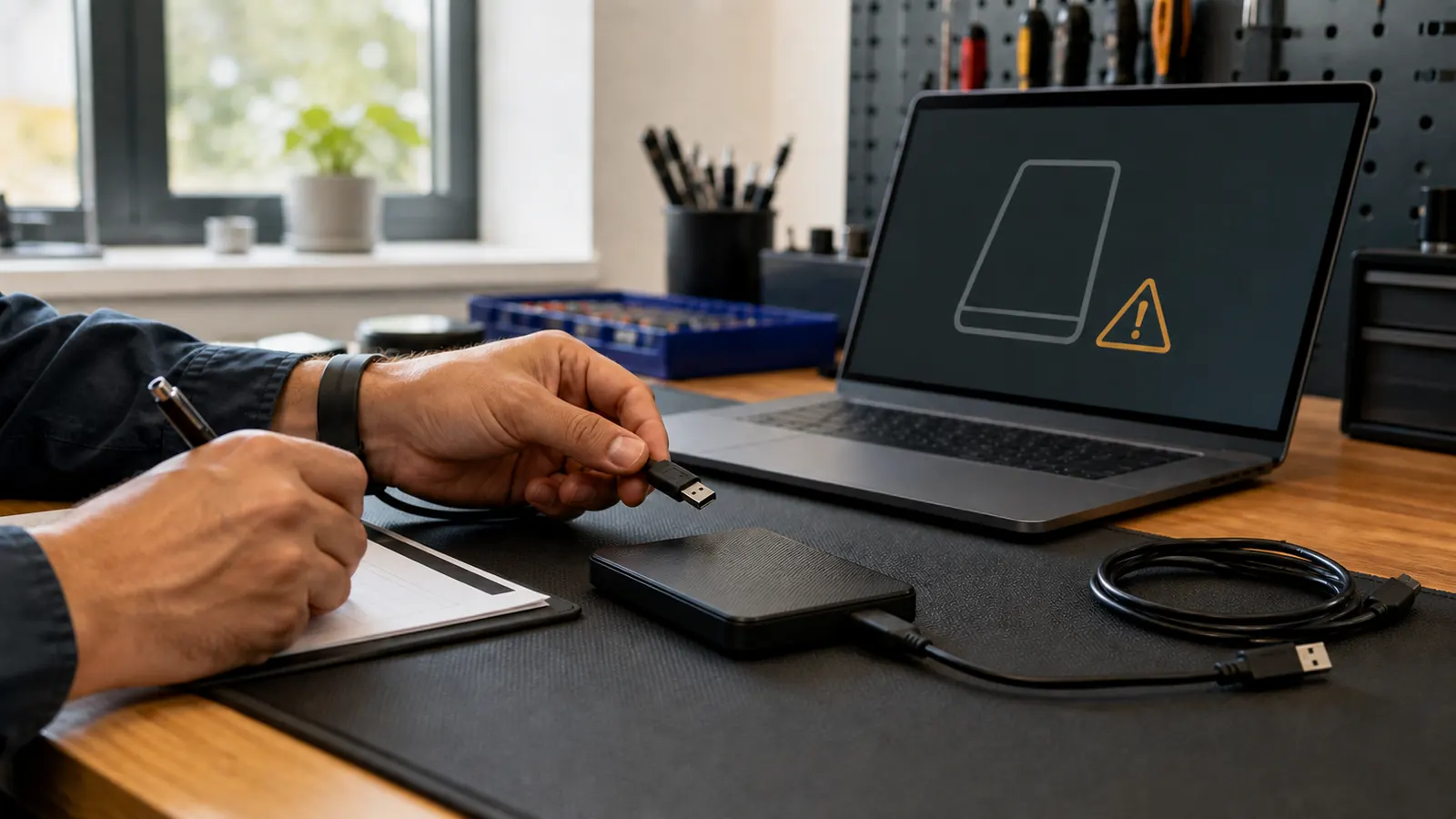
An external drive covers everything else: the archives, the old photo folders, the things too large or too private for the cloud. Plug it in monthly and copy your folders over.
Set one recurring calendar reminder. Open the backup, confirm a recent file is really there, and close it. A backup nobody has ever opened is not a backup.
“If you are not sure your backup is working, bring the drive in with the computer and we will verify it during your free diagnostic.”
— The bottom line
New Spellbook articles, scam warnings, and plain-language tech advice from the repair bench — sent occasionally, never in a rush.
No spam. Unsubscribe anytime.